01
Choose your feeling
Rough, Meh, Okay, Good or Great. Spudlet’s five little faces make room for the whole range of an ordinary day.
 Spudlet
Let them into your little day
Some days feel great. Some days are just okay. Try sharing a mood with our 3D Spud and see how your partner or friend gets a little window into your day.
A tiny, illustrated preview
Choose how your day feels, then share it with the other side of this preview.
Your side · Alex
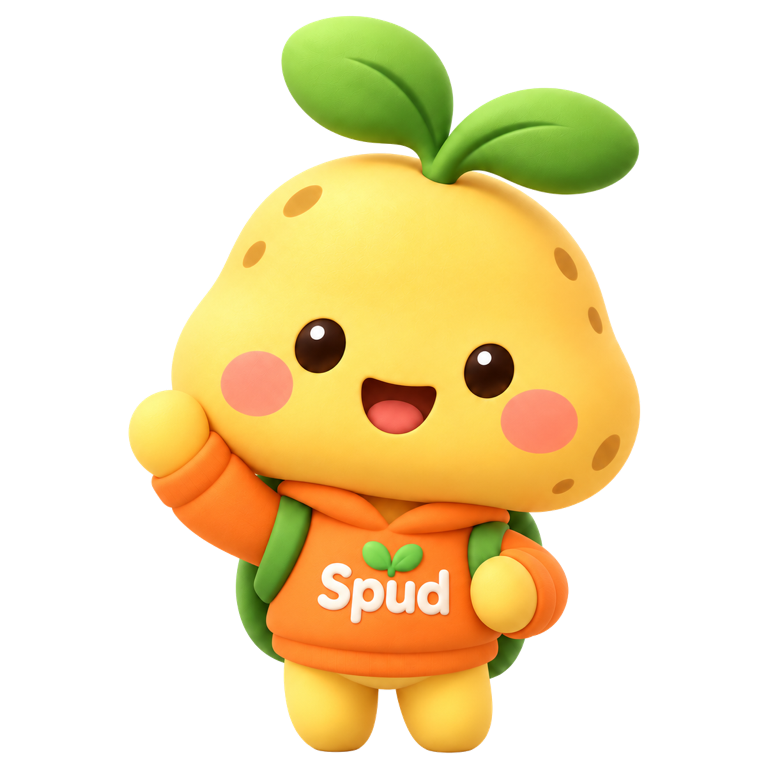
 Okay
An ordinary little day, shared with someone you like.
Their side · Jamie
A little corner of your person.
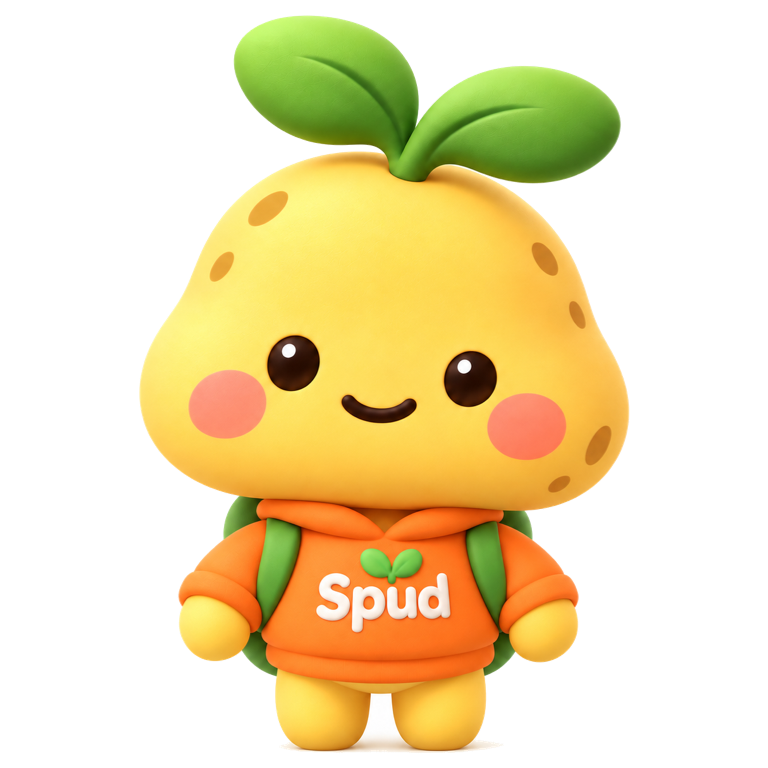
Alex
A mood hasn’t been shared yet.
Try the share button on your side. Alex’s mood will appear here.
Choose a mood, then share it to see their side update.
Alex and Jamie are example names. This preview stays on this page; it doesn’t send a real mood or notification.
01
Rough, Meh, Okay, Good or Great. Spudlet’s five little faces make room for the whole range of an ordinary day.
02
In the app, choose a mood and confirm sharing with your person. If your day changes, you can share an updated mood.
03
Your person sees your shared mood beside your name. It’s a small invitation to understand how your day is going.
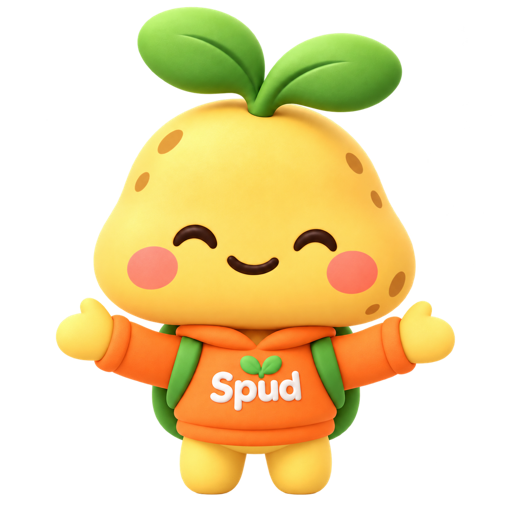
A rough mood can be a reason to offer a little kindness. A great mood can be something to celebrate together. A heart, a hug or a gentle “thinking of you” can follow at your person’s own pace.
Make them a little Spud card ↗Spudlet’s iPhone widgets bring a little of your shared world to the Home Screen. The app and its mood faces give your check-in a home, while your shared Spud’s pose reflects what’s happening in your little world together.
Explore the real Spudlet widgets ↗Make it yours
A water break, a warm hug or a thinking-of-you hello. Add your words, download a free card and share it with your person.
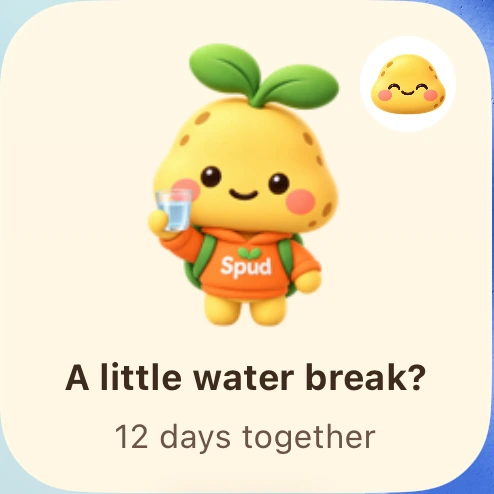
For your Home Screen
Your person’s mood, your little week, and the things you sent. Meet the three Spudlet Home Screen widgets.
Words to borrow
24 small, original messages for your partner or friend. Find one that sounds like you, copy it, and make it your own.
Spudlet is a little space for two people to share moods, send care and keep each other close.